How It Works
A private signal. A shared moment.
Couplewink is built around one simple idea: whether you want a date night, a long hug, or just to be close, you should be able to say so without the fear of being turned down.
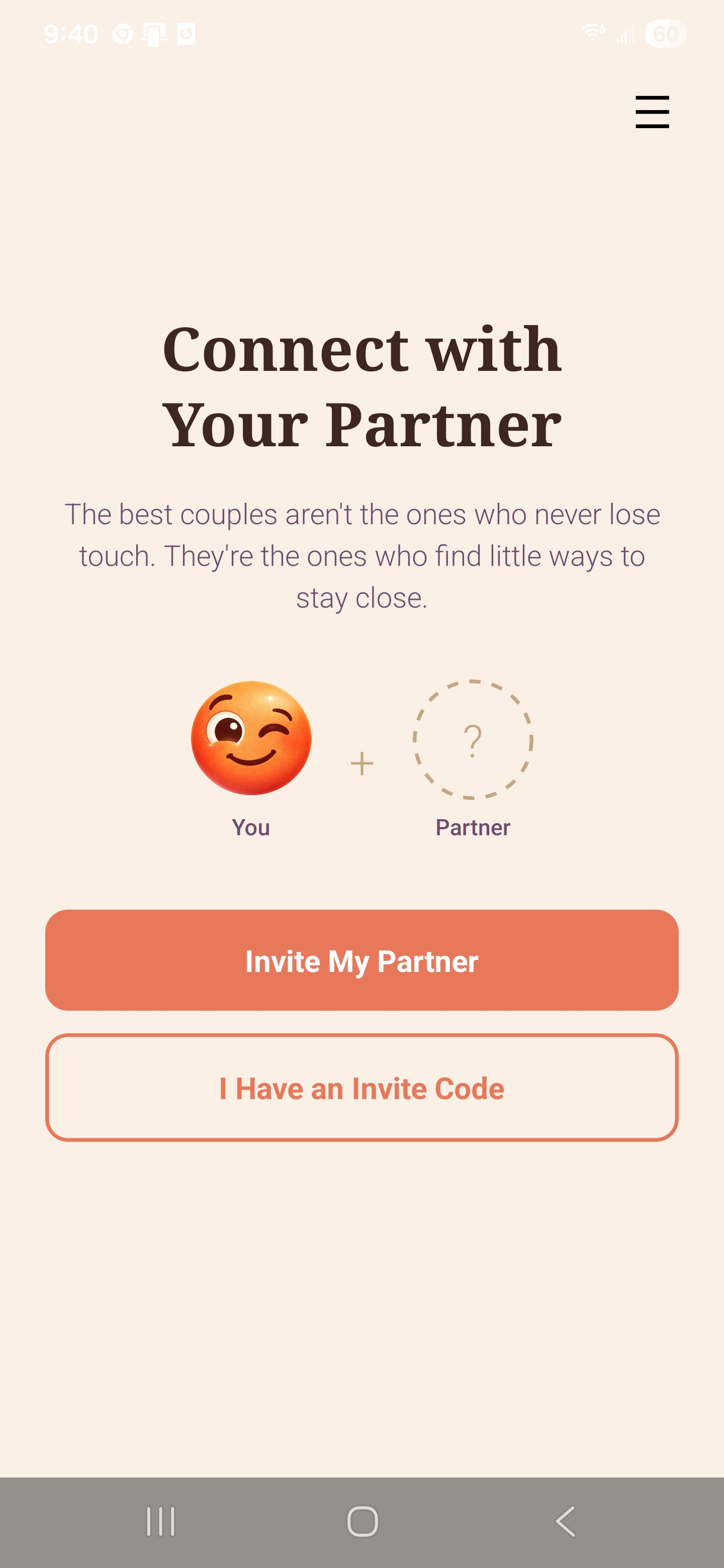
Create your couple
Show your partner a code to scan, or send them a link that opens straight to it. Once you're paired, your shared space is just for the two of you. No social feeds, no followers, no audience.
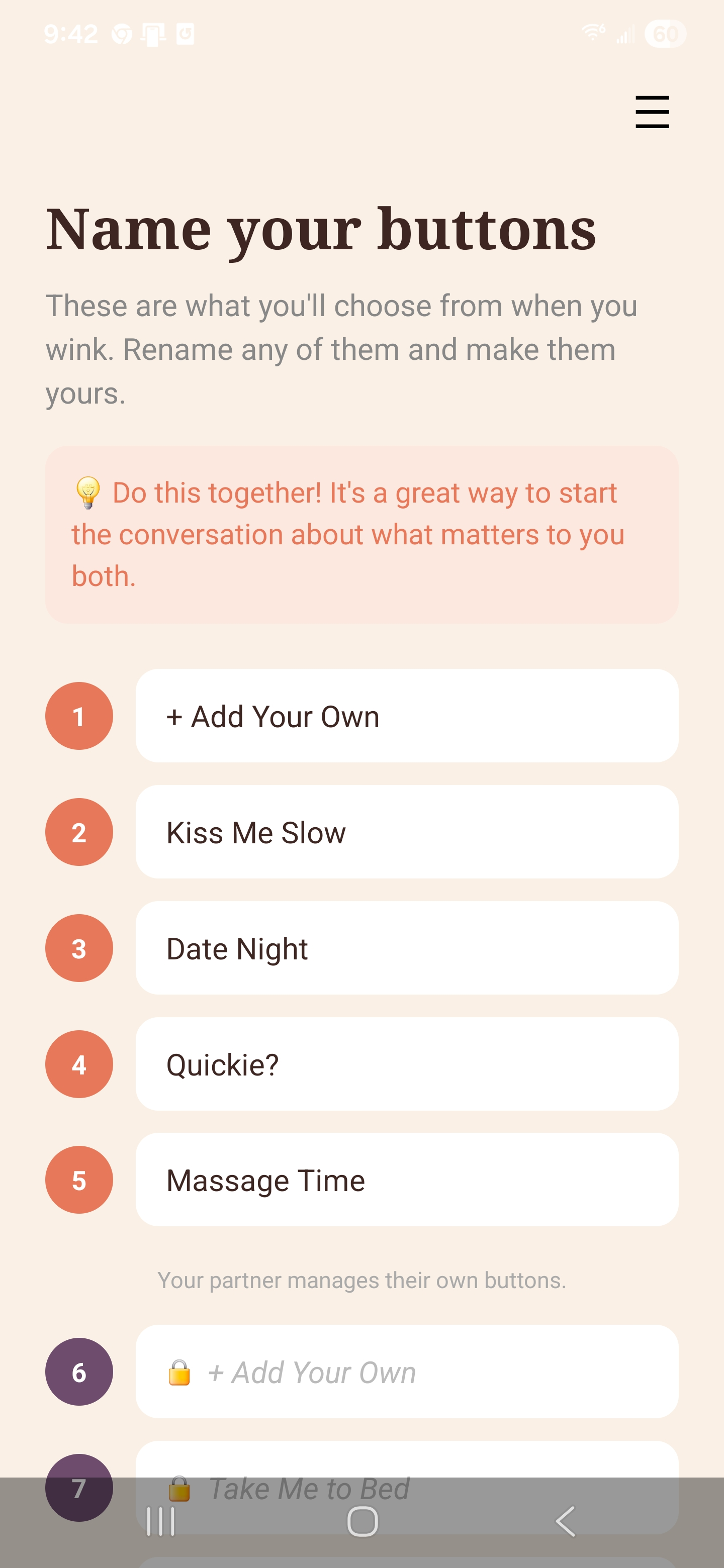
Name your own buttons
Each partner gets five buttons of their own. Name three of yours on the free plan, or all five with Plus. They can be tender, playful, or entirely your own, and only the two of you will ever see them.
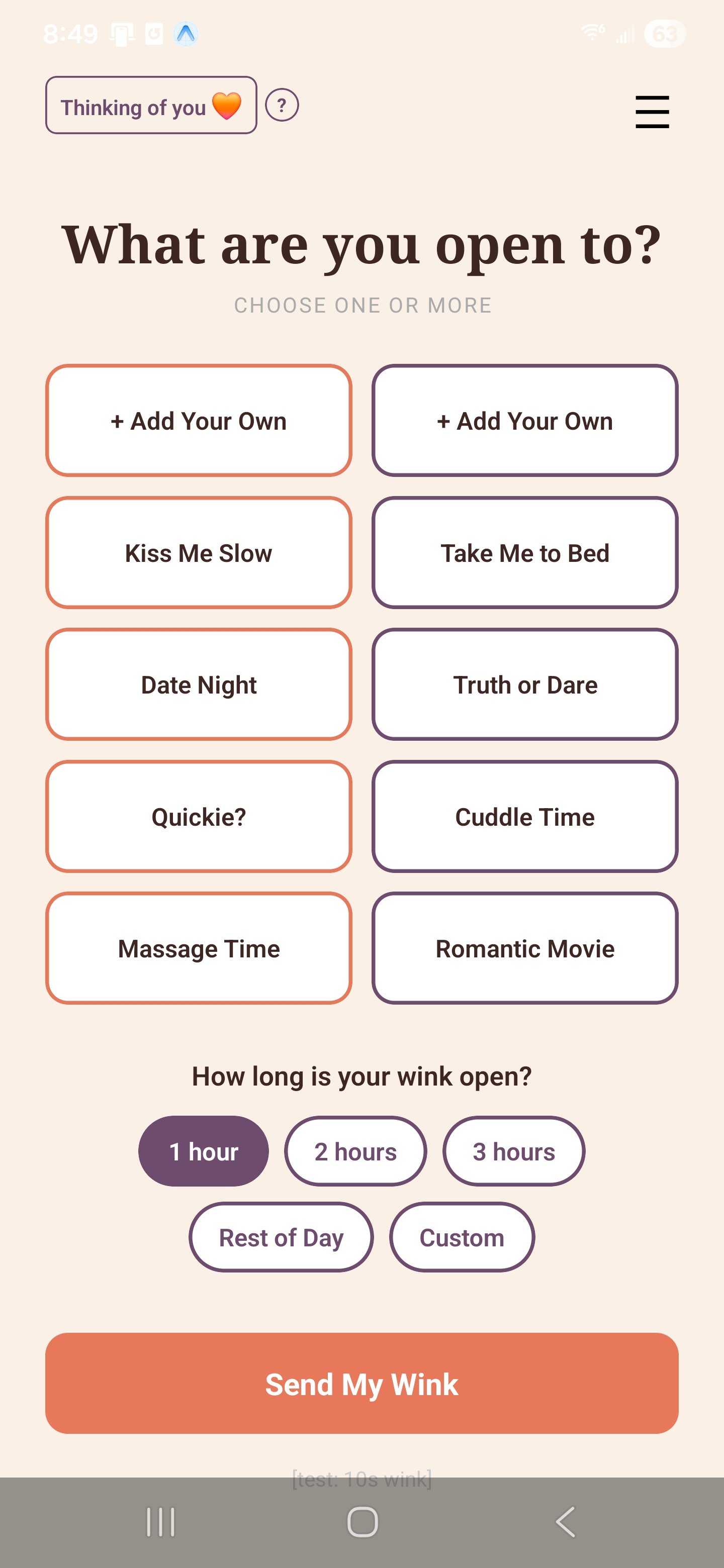
Send a wink
When the mood strikes, tap one of your buttons and set a time window. Your partner receives no notification unless they tap the same button too.
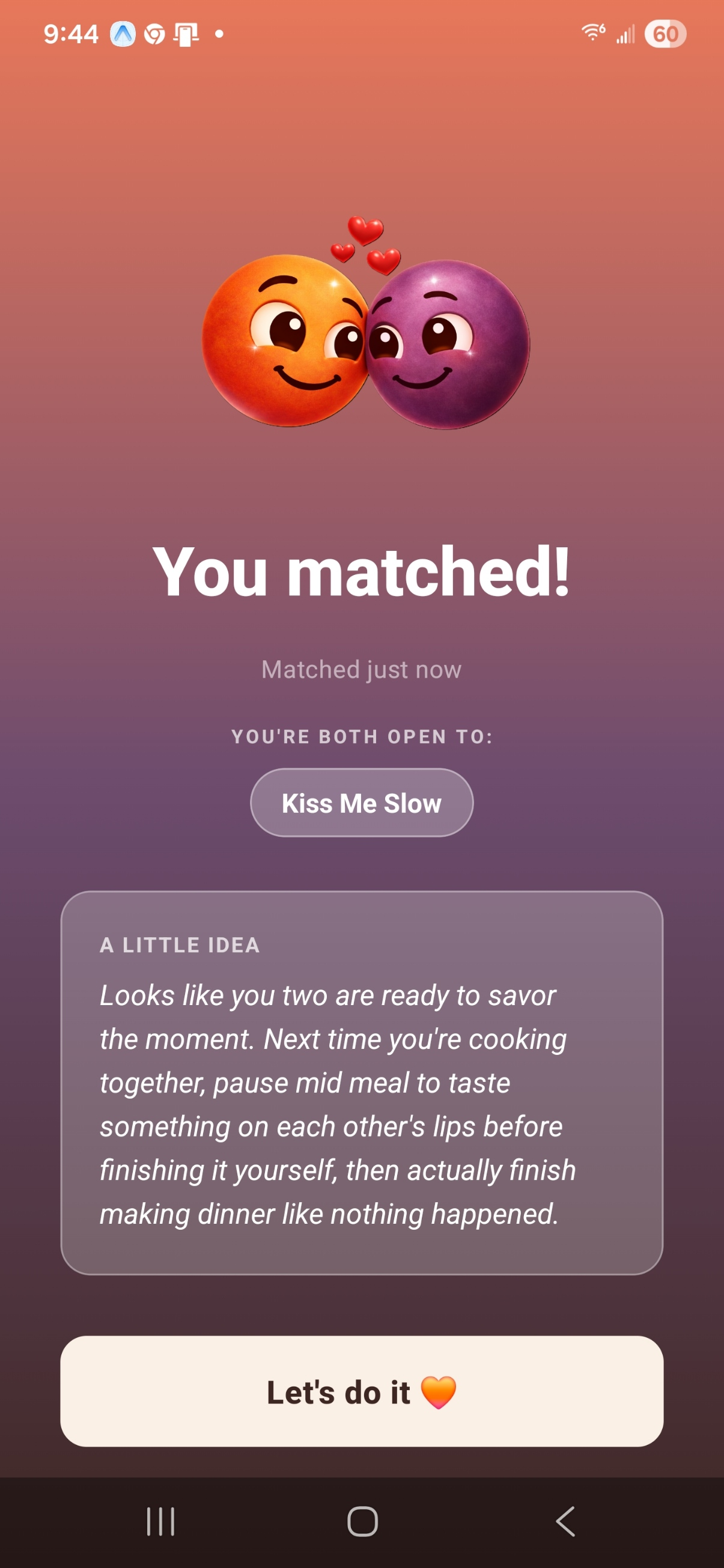
Match and connect
If you both tap the same button within the same window, you both get notified at the same moment. On Plus, a personalized suggestion appears to help you make the most of it.
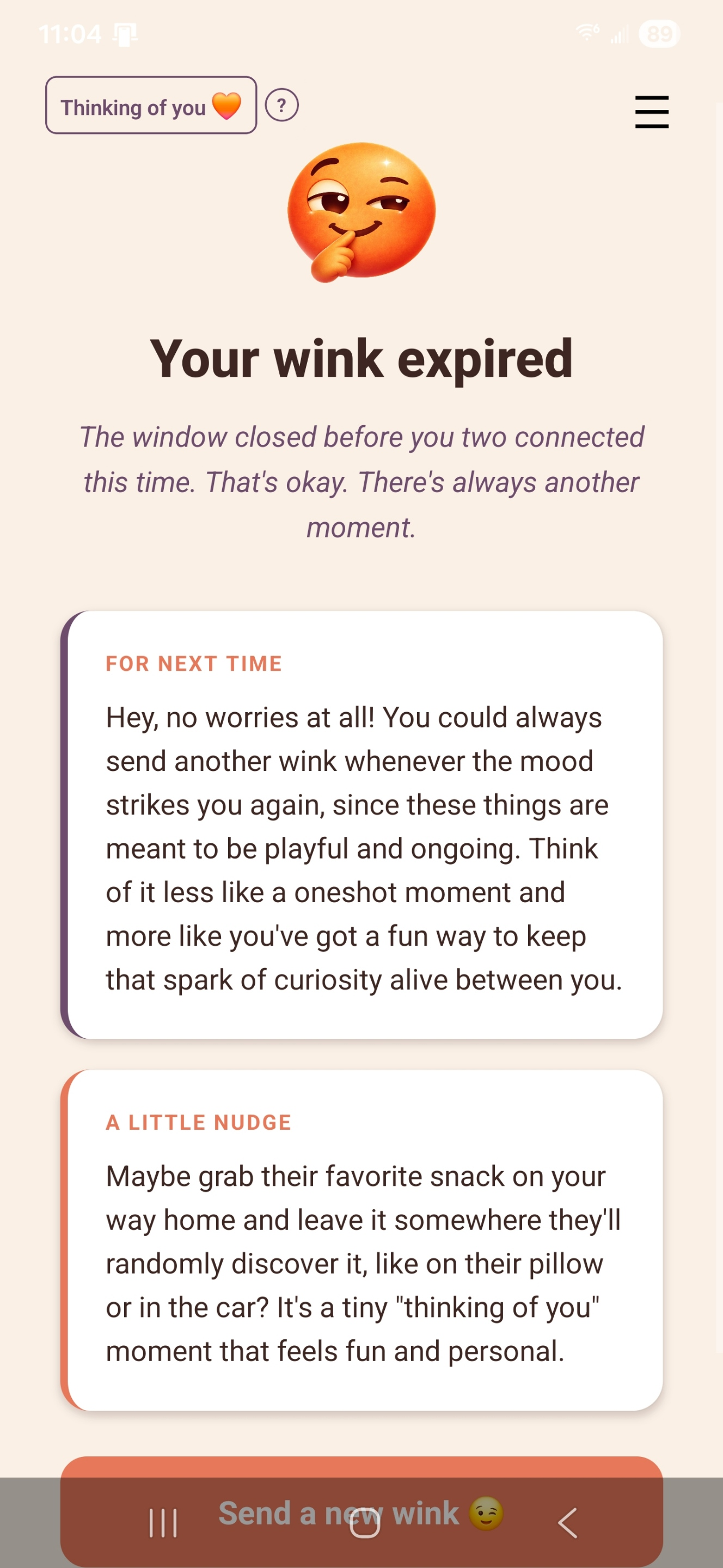
No match? No problem.
If the window closes without a match, it quietly expires. Your partner never knew you sent a wink. There's nothing to explain, nothing to recover from. Just try again when the time feels right.
Not sure how to bring it up? How to introduce Couplewink to your partner without making it awkward.
What couples wink about
Here are the ten default buttons, a starting point you can make entirely your own.
Partner A
Partner B
Three of your five are yours to rename on the free plan, and all five with Plus. Most couples personalize theirs within the first few days.
Wondering if Couplewink is right for your relationship? Read about why couples gradually stop asking for what they want, and who Couplewink is actually for.
If you are comparing it against other couples apps, here is an honest look at how Couplewink differs from Spicer and Cohesa.
Common questions
Can my partner see my winks if they don't match?
No. If your partner doesn't wink the same button within your time window, they receive nothing. Winks expire silently.
What happens when we match?
Both of you receive a real-time push notification at the same moment, showing only the buttons you both tapped. On Plus, a short personalized suggestion comes with it.
How long does a wink stay active?
You set the time window yourself, from a few minutes to several hours. Expired winks are automatically cleared from the system.
Can we change our button labels?
Yes. Each partner controls their own five buttons: three of them are yours to rename on the free plan, and all five with Plus. You can change them at any time from the menu.
Do we have to sign up before we can see it?
No. You can open the app and try a demo of the whole thing before you create an account, and you can hand your phone to your partner so they can try it too. Signing up is only needed once you want to pair for real.
How do we pair with each other?
One of you shows a code and the other scans it with their camera, or you send them a link that opens the app with the code already filled in. It takes about a minute.
Is our data private?
Couplewink stores only what it needs to function. Wink data expires automatically and is never shared with third parties. See our privacy policy for details.

Ready to reconnect?
Couplewink is free to download. Available on iOS and Android.
Simple pricing
Start free. Upgrade when you want more.
Couplewink Free
$0
Free forever
- ✓Three fully customizable buttons per partner
- ✓Real-time matching with your partner
- ✓Winks that expire quietly if there is no match
Couplewink Plus
Early Adopter Price
$3.99/month or $34.99/year
$8.99/month or $79.99/year
- ✓Five fully customizable buttons per partner
- ✓Custom suggestions with every match
- ✓Personalized ideas when a wink expires
- ✓One subscription covers both partners
Upgrade any time from within the app.